

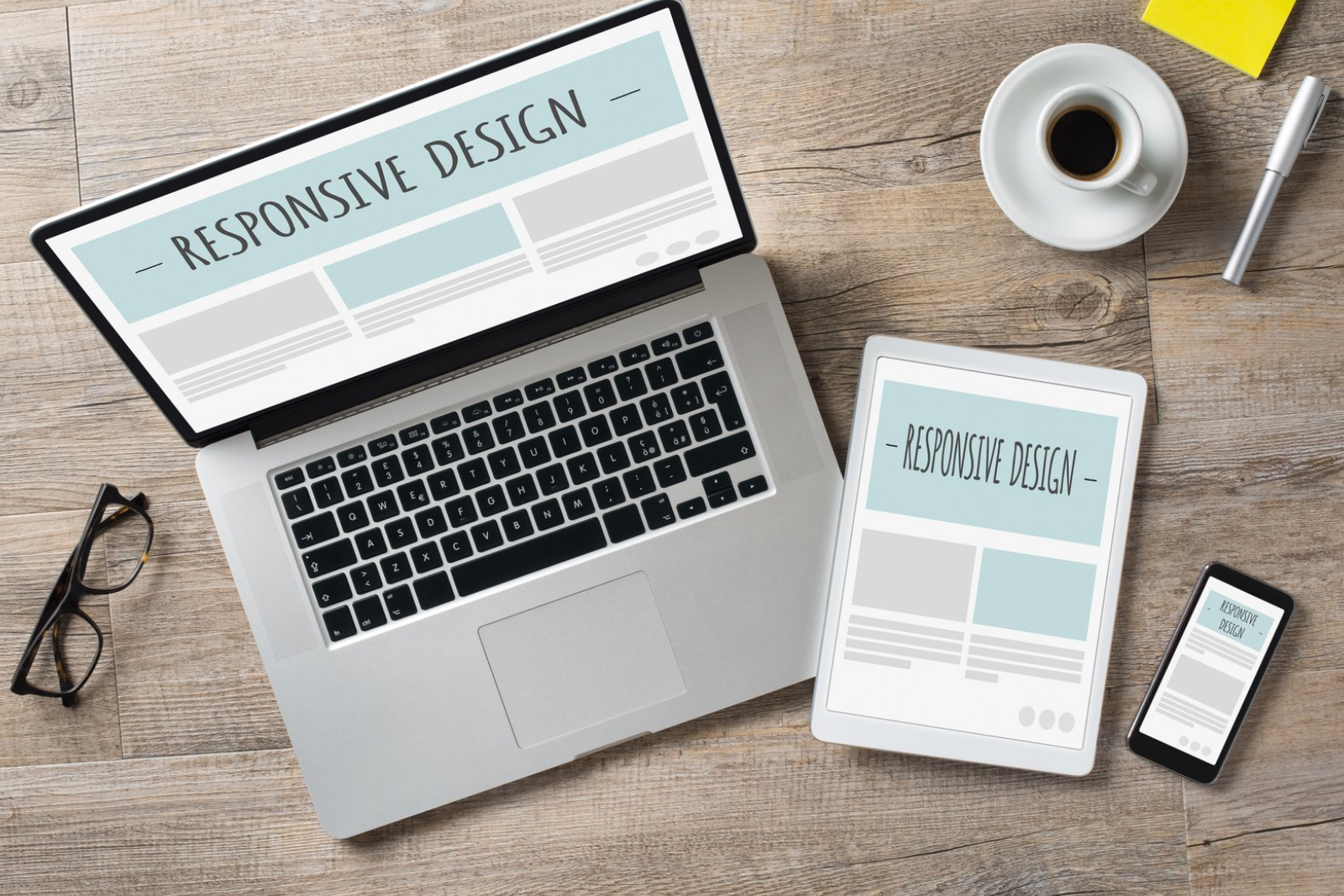





A website or mobile application can have powerful technology behind it, but technology alone does not guarantee success. Users judge digital products by how easy they are to understand, navigate, and use. When a website or app feels confusing, slow, or difficult to navigate, users may leave before completing the action a business wants them to take.
UI/UX design plays an important role in creating digital products that are visually appealing, functional, accessible, and easy to use. A thoughtful design can help businesses improve engagement, increase conversions, strengthen their brand, and create better experiences for customers.
Understanding the relationship between UI/UX design and digital success can help businesses make better decisions when developing or improving their websites and applications.
What Is UI/UX Design?
UI and UX are closely connected but represent different aspects of digital product design.
UI stands for User Interface. It focuses on the visual and interactive elements that users see and interact with, including buttons, colors, typography, forms, menus, layouts, and other interface components.
UX stands for User Experience. It focuses on the overall experience a person has while using a website or application. This includes navigation, user flows, usability, accessibility, functionality, and how easily users can accomplish their goals.
Together, UI and UX design help create digital products that are both attractive and practical.
Why UI/UX Design Matters for Businesses
A website or application is often one of the first places customers interact with a business.
If the experience is professional, clear, and easy to use, users are more likely to explore the business, trust its services, and complete important actions.
Poor design can create the opposite result.
For example, a website may have excellent products but lose potential customers because the checkout process is confusing. A mobile app may provide useful services but receive negative feedback because important features are difficult to find.
Good UI/UX design helps remove unnecessary friction from the customer journey.
UI/UX Design Improves First Impressions
First impressions matter in digital environments.
When users visit a website or open an application, they quickly form an opinion about its quality and credibility.
A professional interface can communicate that a business is organized, trustworthy, and attentive to detail.
Important visual elements include:
- Typography
- Color systems
- Spacing
- Images
- Buttons
- Navigation
- Layout
- Branding
- Visual hierarchy
These elements should work together rather than appearing as separate design decisions.
A consistent visual system can make a digital product feel more professional and recognizable.
Better Navigation Improves Usability
One of the main goals of UX design is helping users find what they need without unnecessary effort.
A website with complicated menus or an application with unclear navigation can make even simple tasks frustrating.
Good navigation should help users understand:
- Where they are
- Where they can go
- What actions are available
- How to return to previous sections
- How to complete their main task
For example, an e-commerce website should make it easy to move from product discovery to product details, cart, checkout, and confirmation.
The same principle applies to service websites, business portals, booking platforms, and mobile applications.
UI/UX Design Can Increase Conversions
A conversion occurs when a user completes an important action.
Depending on the business, this could be:
- Submitting a contact form
- Booking an appointment
- Requesting a quote
- Making a purchase
- Signing up for an account
- Downloading a resource
- Calling a business
- Starting a subscription
UI/UX design can influence how easily users complete these actions.
For example, a long and confusing form may cause users to abandon it. A clear form with logical fields, useful instructions, and visible calls to action can reduce friction.
This is why design should not focus only on appearance. It should support measurable business objectives.
Mobile UX Is Especially Important
A large number of users interact with businesses through smartphones.
Mobile interfaces have unique design requirements because users interact with smaller screens and touch-based controls.
Mobile UX should consider:
- Touch-friendly buttons
- Readable text
- Simple navigation
- Fast loading
- Appropriate spacing
- Short forms
- Clear feedback
- Responsive layouts
A website that looks good on a desktop computer may not automatically provide a good experience on mobile.
Businesses should test designs across different screen sizes and devices.
UI/UX Design Builds Trust
Users are more likely to trust a digital product when it feels professional, consistent, and reliable.
Visual inconsistency can create uncertainty.
For example, if every page uses different button styles, typography, spacing, and colors, the website can feel unorganized.
A consistent design system creates familiarity.
The same principles apply to mobile applications. Consistent interactions help users understand how the application works and what to expect from different screens.
For businesses developing or improving their digital presence, GrowthTech360 can help connect UI/UX design with broader website, mobile app, and technology development requirements.
Good UX Reduces User Friction
User friction refers to anything that makes it harder for people to accomplish their goals.
Examples include:
- Too many form fields
- Complicated menus
- Unclear buttons
- Slow pages
- Confusing error messages
- Repetitive information
- Unexpected navigation
- Difficult checkout processes
UX designers look for these obstacles and find ways to simplify the experience.
Reducing friction can make websites and applications easier to use while helping users reach their intended destination faster.
UI/UX Design Supports Accessibility
Accessibility should be considered during the design process.
A digital product should be usable by as many people as reasonably possible, including users with different abilities and needs.
Accessibility considerations can include:
- Sufficient color contrast
- Readable typography
- Clear labels
- Keyboard accessibility
- Logical navigation
- Alternative text for relevant images
- Understandable error messages
- Appropriate touch targets
Accessible design can improve usability for everyone, not only users with specific accessibility requirements.
Better Design Can Reduce Development Problems
UI/UX design can also benefit the development process.
Before developers begin building every screen, designers can create wireframes, prototypes, and user flows.
These design materials allow stakeholders to review the proposed experience and identify problems earlier.
Changing a design concept before development is usually simpler than discovering major usability problems after the application has already been built.
A structured design process can therefore improve communication between business owners, designers, and developers.
The Role of Wireframes and Prototypes
Wireframes provide a basic visual structure for a page or application screen.
They focus on layout, content hierarchy, navigation, and functionality rather than final visual styling.
Prototypes take this process further by allowing stakeholders to interact with a representation of the final product.
Prototypes can help answer questions such as:
- Does the navigation make sense?
- Can users complete important tasks?
- Are there unnecessary steps?
- Is important information easy to find?
- Does the interface behave as expected?
Testing these elements early can save time during development.
UI/UX Design Should Support Branding
Design is also an important part of brand communication.
A company’s website and application should reflect its broader brand identity through consistent visual elements.
This can include:
- Brand colors
- Typography
- Photography
- Graphics
- Tone
- Logo placement
- Visual style
However, branding should not compromise usability.
The interface should remain clear and functional while expressing the company’s identity.
A strong digital brand experience combines recognizable visual elements with practical user-centered design.
Data Can Improve UX Decisions
UI/UX design should not rely entirely on personal opinions.
Businesses can use data to understand how users interact with their digital products.
Useful information may include:
- Page engagement
- Conversion rates
- Bounce behavior
- Form abandonment
- Navigation paths
- Feature usage
- App retention
- Customer feedback
For example, if analytics show that many users leave during a specific checkout step, designers can investigate whether that stage is confusing or unnecessarily complicated.
Combining design expertise with real user data can lead to more informed improvements.
UI/UX Design and Customer Retention
Good experiences can encourage customers to return.
If a website makes it easy to find information or an application makes it simple to complete recurring tasks, users have a practical reason to continue using it.
This is particularly important for businesses that rely on repeat purchases, subscriptions, bookings, memberships, or ongoing customer relationships.
Retention is not created by visual design alone, but usability can play an important role in whether customers want to continue using a digital product.
Common UI/UX Mistakes Businesses Should Avoid
Several design mistakes can negatively affect a website or application.
Too Much Information
Crowded interfaces can make it difficult for users to identify what matters.
Inconsistent Design
Different styles across pages can make a digital product feel unprofessional.
Weak Calls to Action
Users should understand what action they can take next.
Ignoring Mobile Users
A desktop-focused design may create problems for people using smartphones.
Complicated Forms
Asking for unnecessary information can increase abandonment.
Designing Without User Research
Assuming what users want without researching their needs can lead to ineffective experiences.
UI/UX Design Is an Ongoing Process
Design does not end when a website or application launches.
Users change, businesses change, technologies change, and new information becomes available.
Businesses should continuously review user feedback, analytics, performance, and conversion data to identify opportunities for improvement.
Small changes to navigation, forms, layouts, content, or calls to action can sometimes make a meaningful difference.
For businesses managing multiple digital touchpoints, GrowthTech360 can help integrate design thinking with website development, mobile applications, automation, CRM, and broader digital solutions.
How Professional UI/UX Design Supports Business Growth
Professional UI/UX design brings together user research, information architecture, visual design, interaction design, prototyping, testing, and continuous optimization.
The goal is not simply to make a website or application look attractive.
The goal is to make the digital product useful and easy to understand while supporting measurable business objectives.
When users can quickly understand a product, navigate it comfortably, and complete important actions without unnecessary friction, the business has a stronger foundation for digital growth.
Final Thoughts
UI/UX design has a direct connection to the way people experience websites and mobile applications.
Good design can improve navigation, usability, accessibility, trust, engagement, and conversions. It can also help businesses communicate their brand more effectively and reduce problems before development is completed.
However, effective UI/UX design requires more than attractive visuals. It requires understanding users, mapping their journeys, simplifying interactions, testing ideas, analyzing behavior, and continuously improving the experience.
Businesses that treat UI/UX as an important part of their digital strategy can create websites and applications that are easier to use and more aligned with their customers’ needs.
Whether you are launching a new website, developing a mobile application, or improving an existing digital product, GrowthTech360 can help combine UI/UX design with development, automation, CRM, AI integration, and other digital technology solutions.